
The ECUHELP KT200II ECU Programmer has been successfully tested for reading and writing the Mercedes-Benz CRD3.10 ECU in Bench mode.
Below is a step-by-step guide covering the ECU identification, required hardware, wiring connections, and software driver selection.
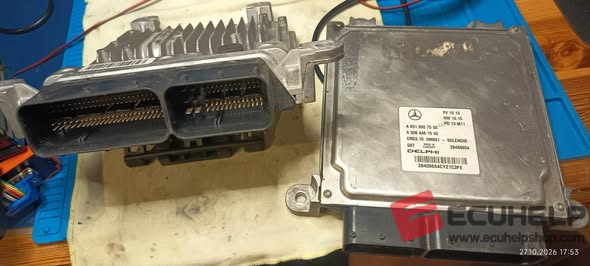
First, check the appearance of the Mercedes-Benz CRD3.10 ECU.
Secondly, to perform the Bench read/write operation, prepare the following equipment:
KT200II Multifunction Cable
Bench Box V.2
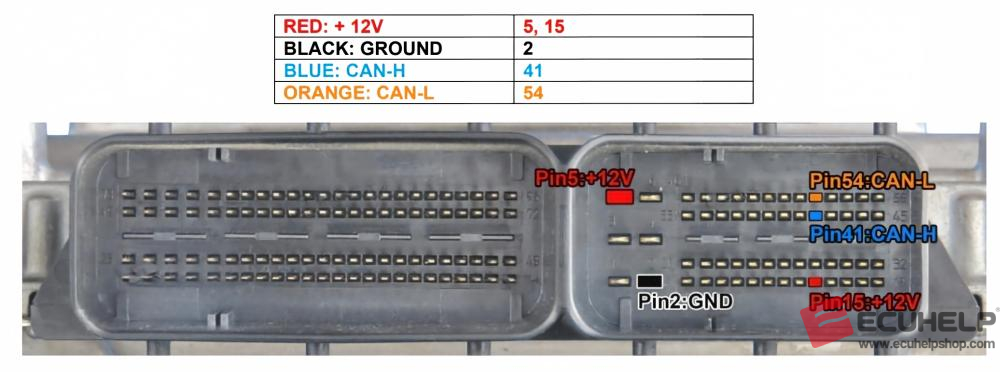
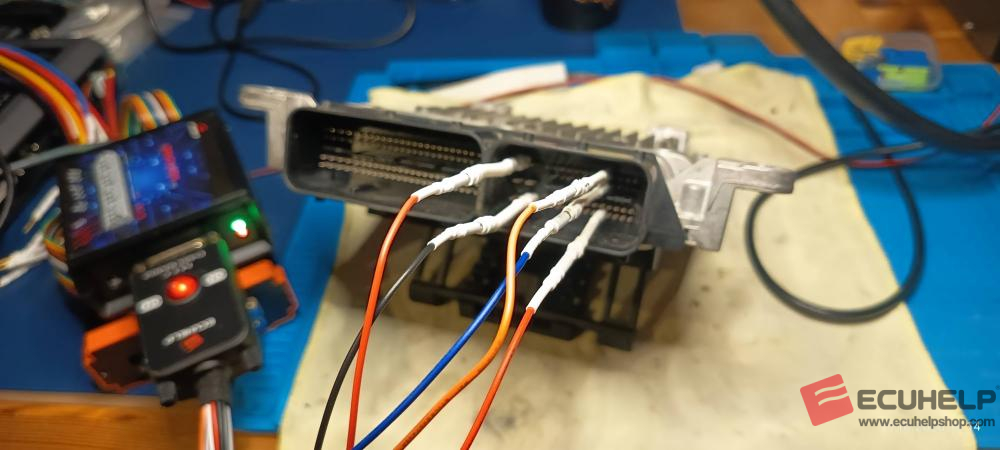
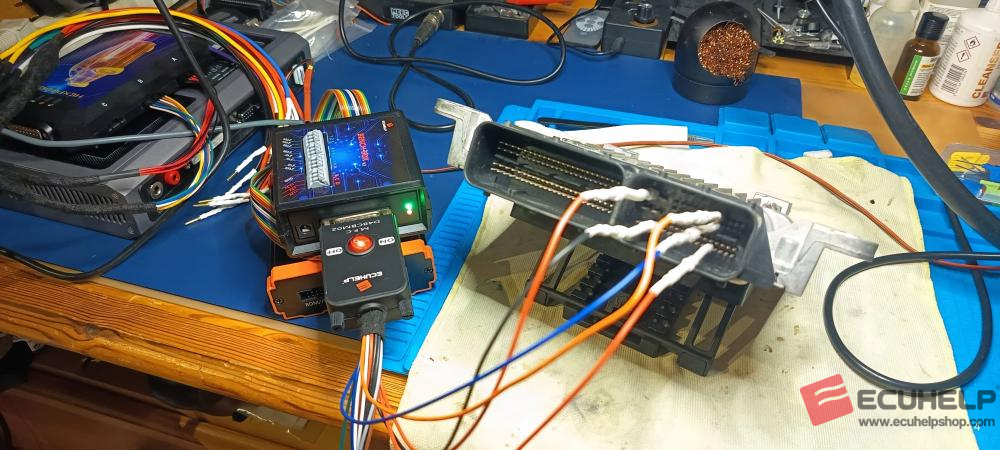
Connect the Mercedes-Benz CRD3.10 ECU to the KT200II programmer by following the wiring diagram below.
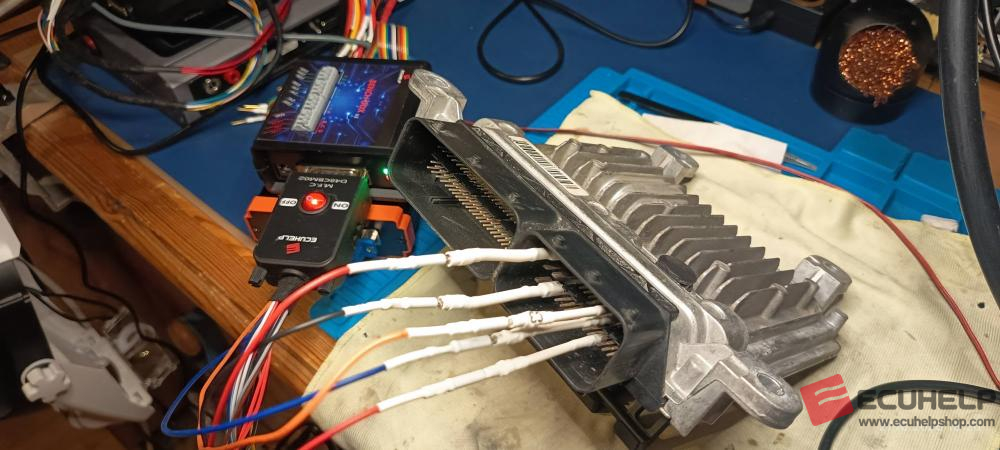
Finally, open the KT200II software and navigate to the following menu:
→ BENCH MODE
→ MERCEDES BENZ
→ TC1797 – MERCEDES
Then select the corresponding driver from the following options:
→ CRD3.1x
→ CRD3.2x
→ CRD3.3x
→ CRD3.4x
→ CRD3.5x
→ CRD3.6x
→ CRD3.7x
→ CRD3PLUS.A0
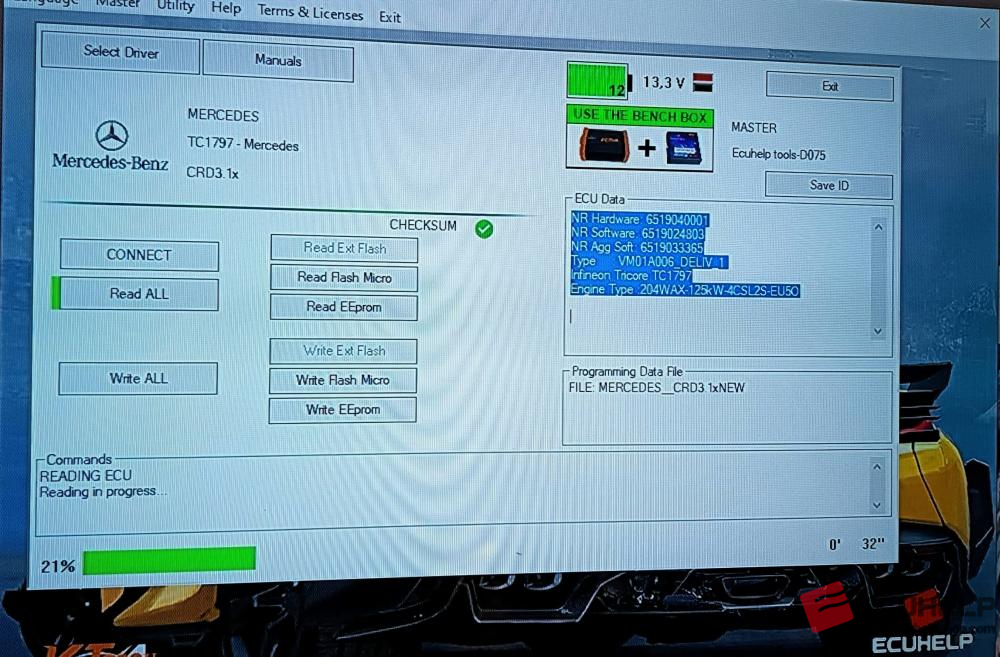
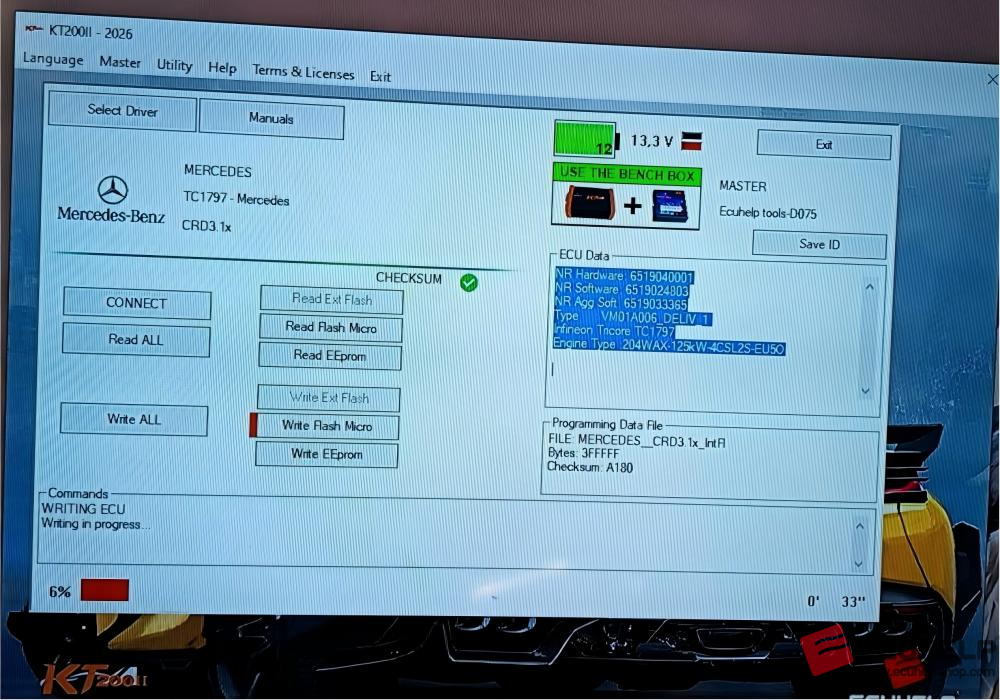
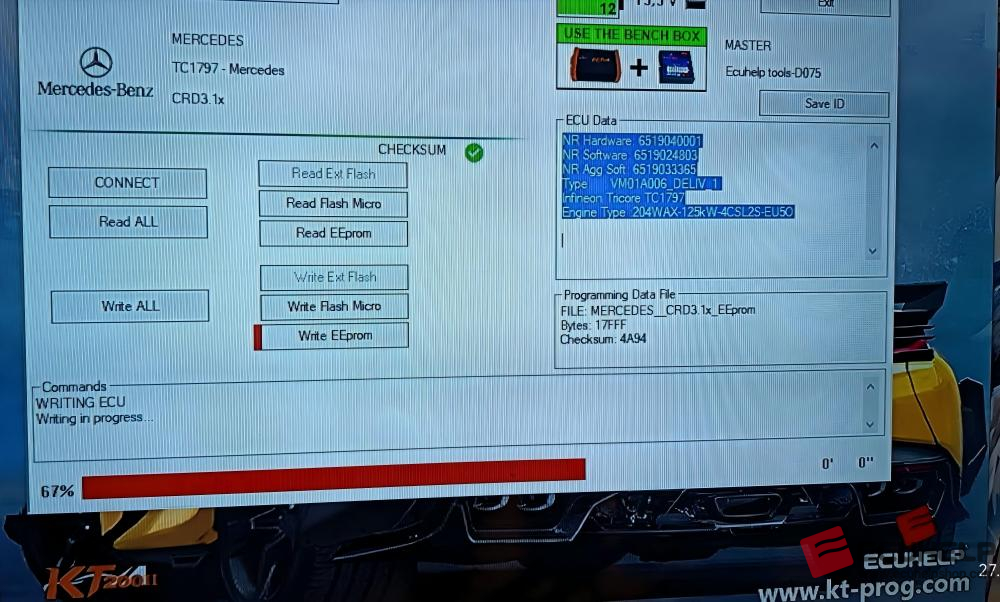
Conclusion:
The ECUHELP KT200II supports Bench mode reading and writing for the Mercedes-Benz CRD3.10 ECU.
With the KT200II Multifunction Cable and Bench Box V.2, users can follow the provided wiring diagram and select the corresponding TC1797 Mercedes driver in the software to perform the operation.