
ECUHELP KT200II ECU Programmer 2026 has been officially released, bringing expanded ECU coverage and improved compatibility.

Key Features of KT200II 2026:
1.KT200II Auto Version / Full Version / Offline workstation: supported
2. Works with 2024 2025 Main Unit
Run the 2026 KT200II software, available from the ECUHELPshop.com → Downloads section.
3. Upgrade from KT200 V1.
Users with the first-generation KT200 V1 can upgrade to KT200II 2026 by paying the price difference:
KT200 Auto Version Update to KT200II 2026 Auto Version
KT200 Full Version Update to KT200II 2026 Full Version
KT200 Offline Workstation Update to KT200II 2026 Offline Workstation
4. Newly Added ECU Protocols (Bench Mode R/W)
DELPHI DCM6.2V
Bosch MD1CS089
Bosch MD1CC878
KUBOTA Denso MB276000 AD-Blue
FCA ME17.3.0 & EDC17C69 (MY 2021+)
SUZUKI MARELLI 8DS
Detailed update list: ECUHELP_KT200ll_New_Supported_ECUs_2026-01-08
Video demo on what ECU are added for KT200II 2026:
ECUHELP KT200II 2026 Hardware Update Procedure:
Follow the steps below carefully to complete the hardware upgrade:
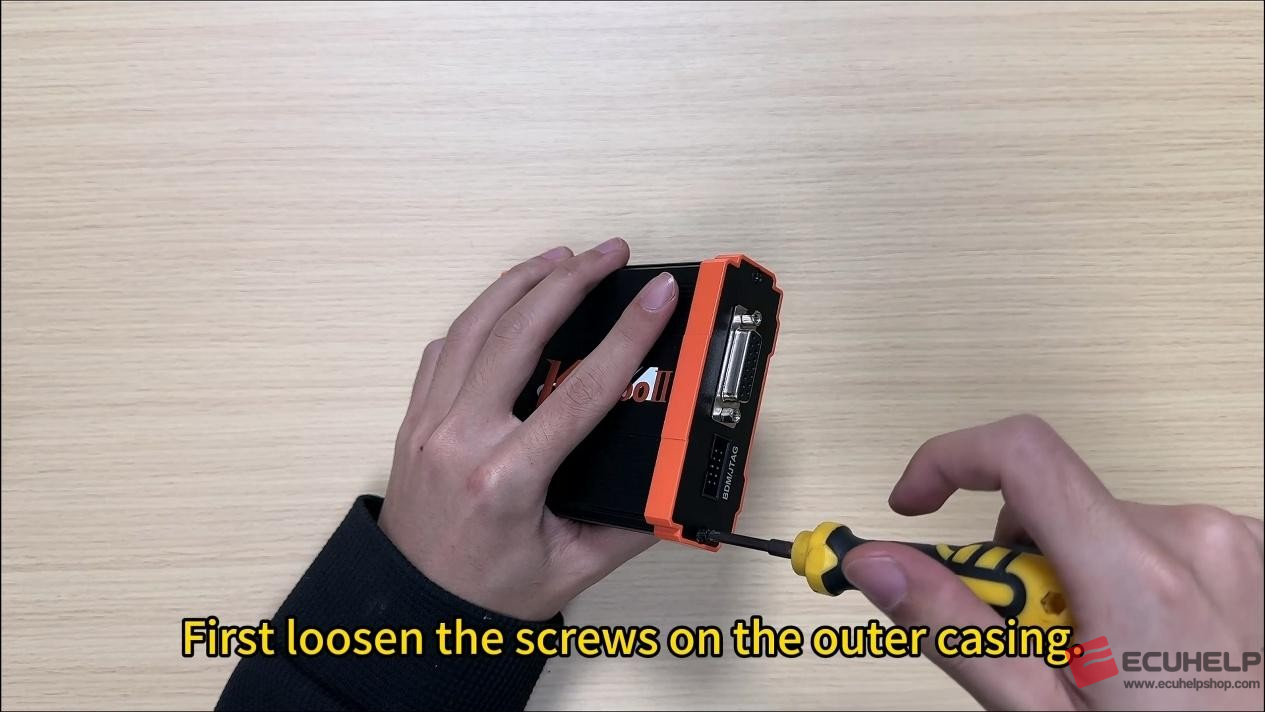
First loosen the screws on the outer casing.
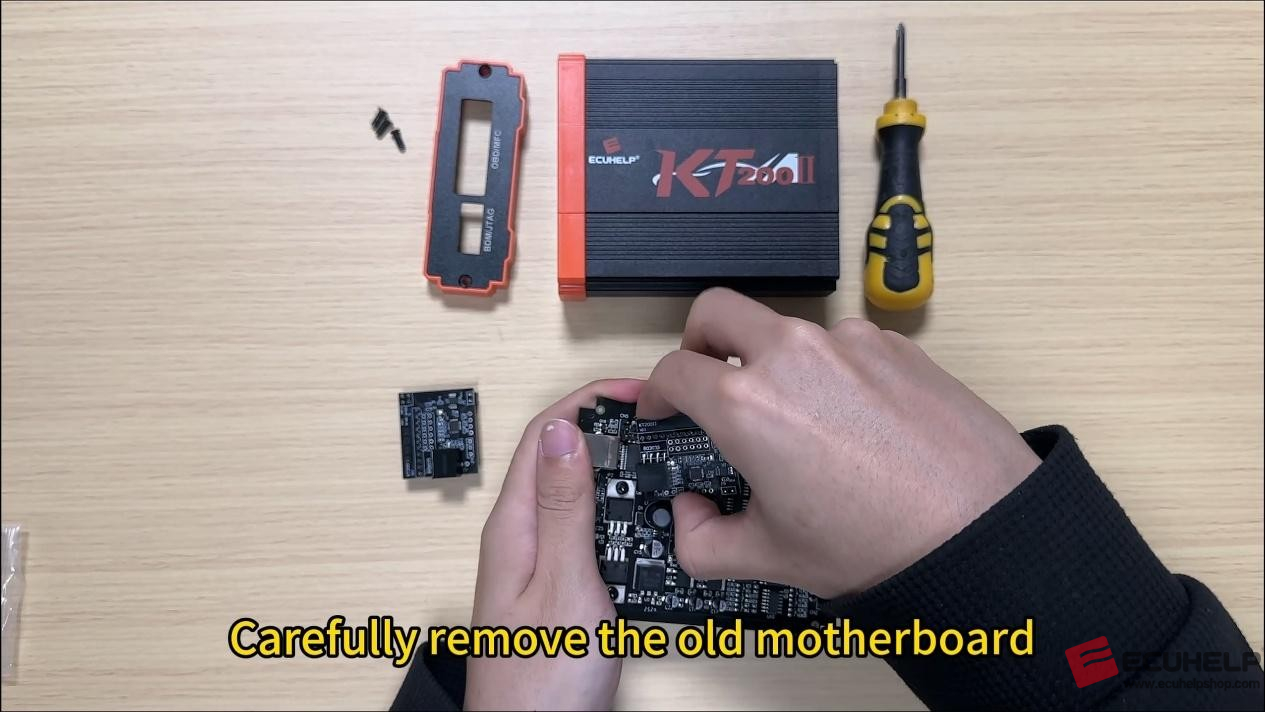
Carefully remove the old chip, taking your time.
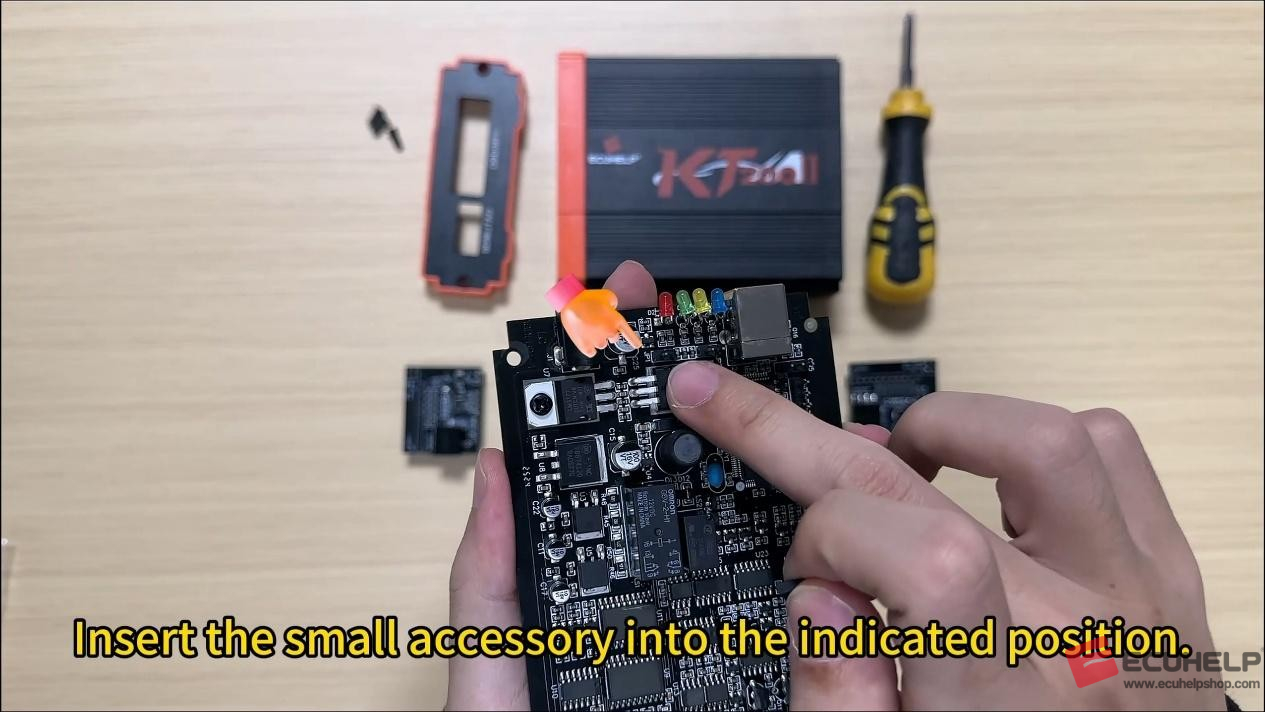
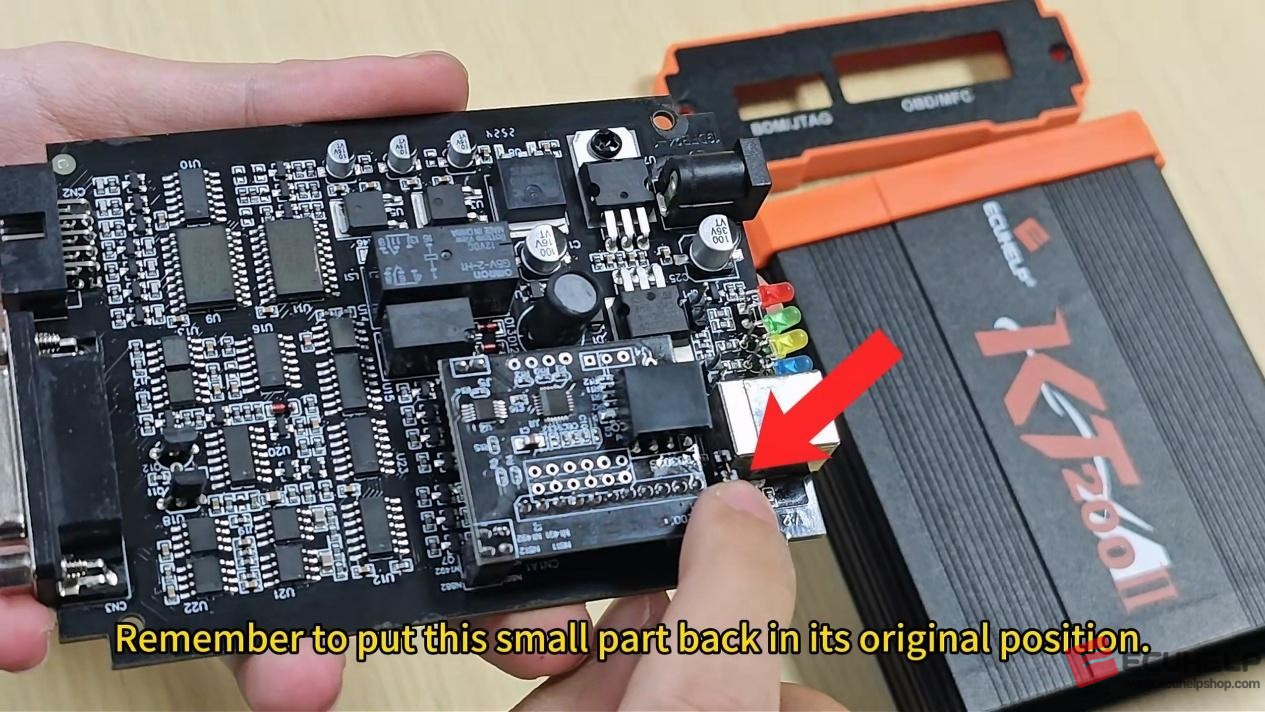
Remove the small accessory indicated by the arrow.
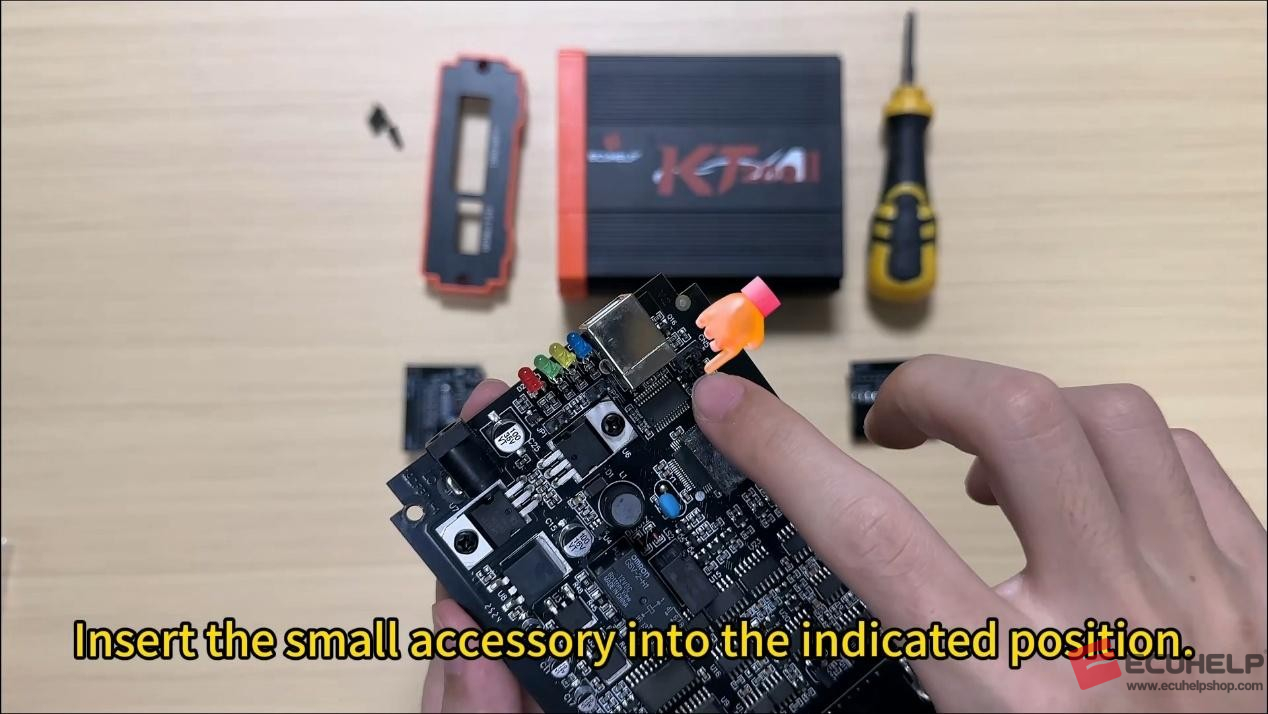
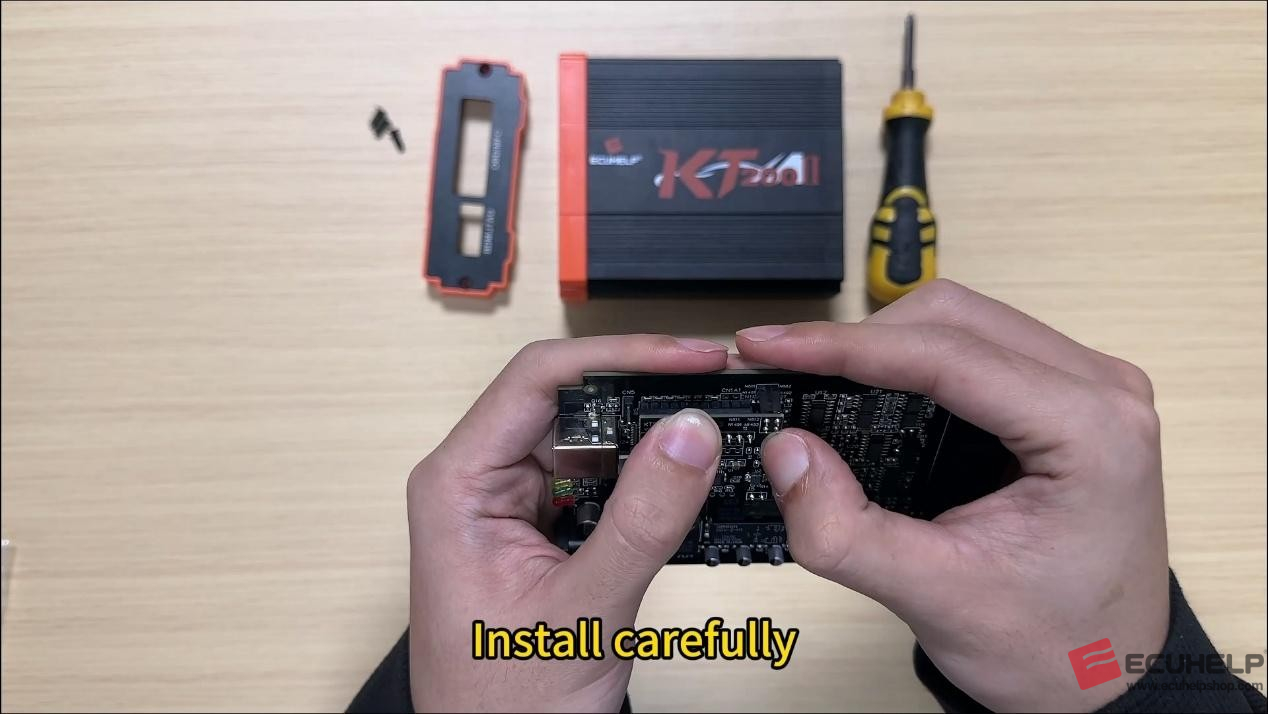
Install to the specified location.
Install the new chip.
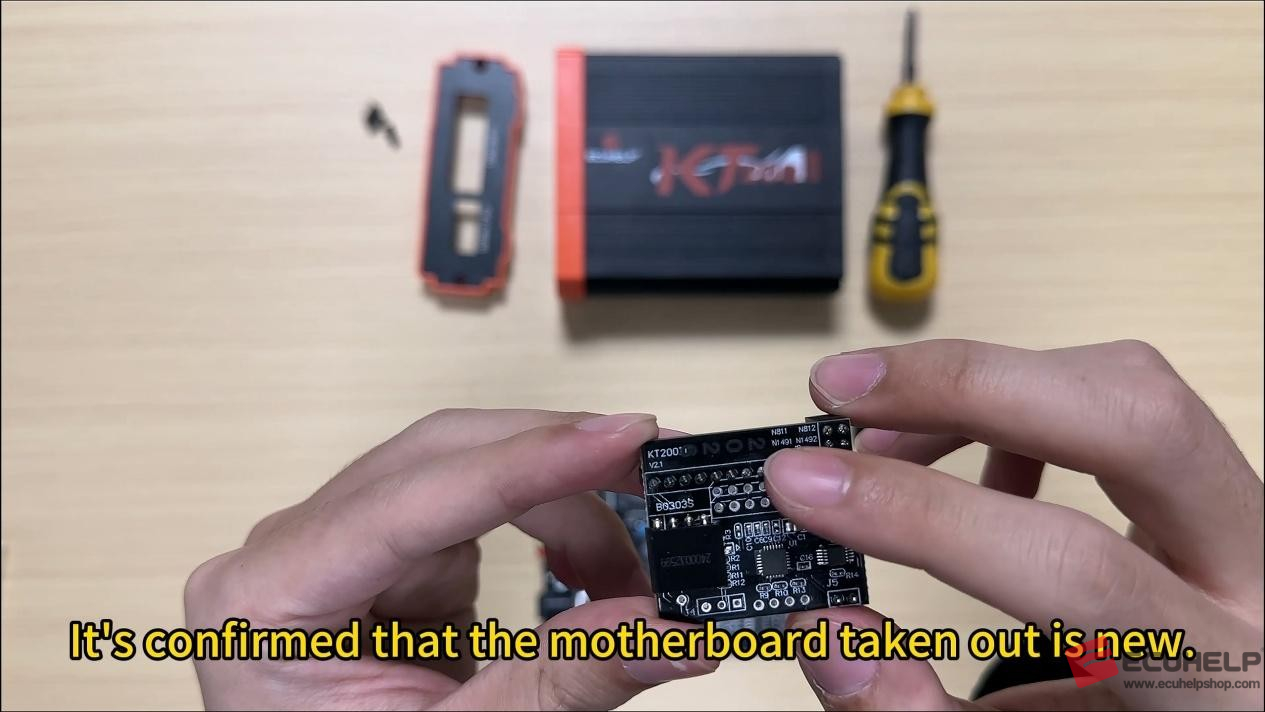
Install carefully to avoid damaging the pins.
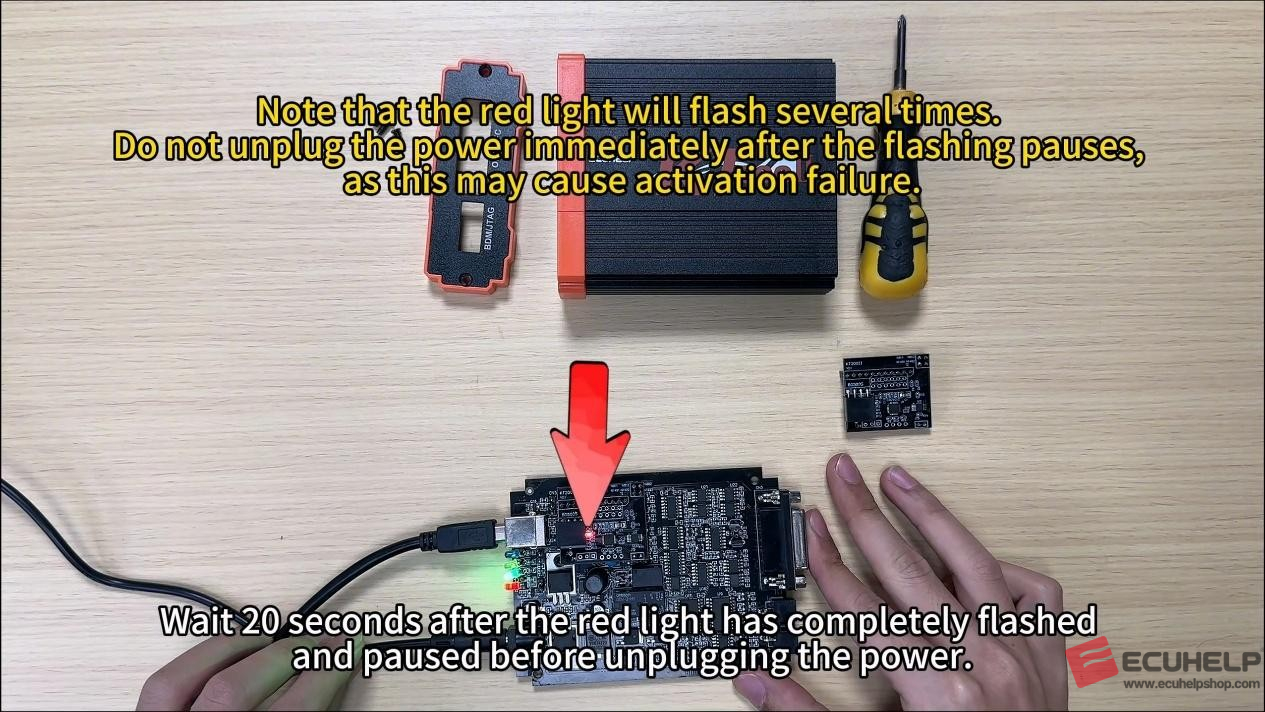
Connect the power cord and data cable. It is crucial to wait 20 seconds for the
red light to stop flashing before proceeding to the next step.
Then, return the small parts to their original positions [indicated by the arrows].
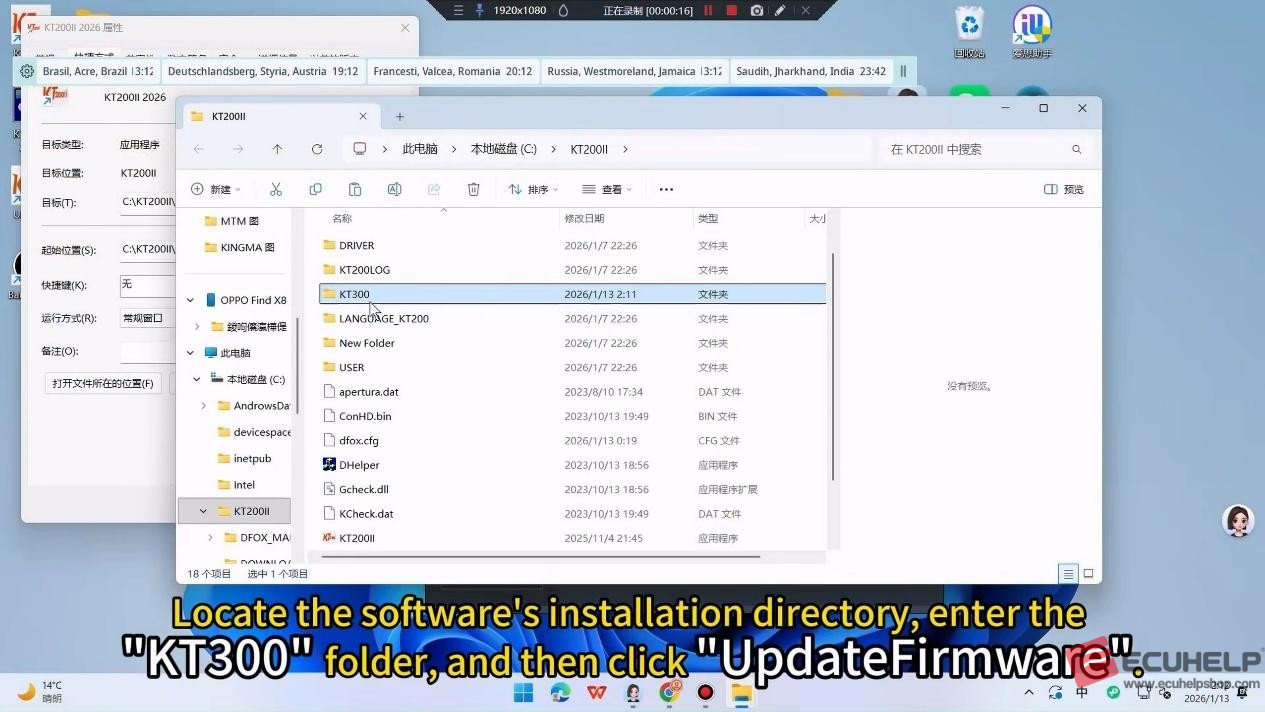
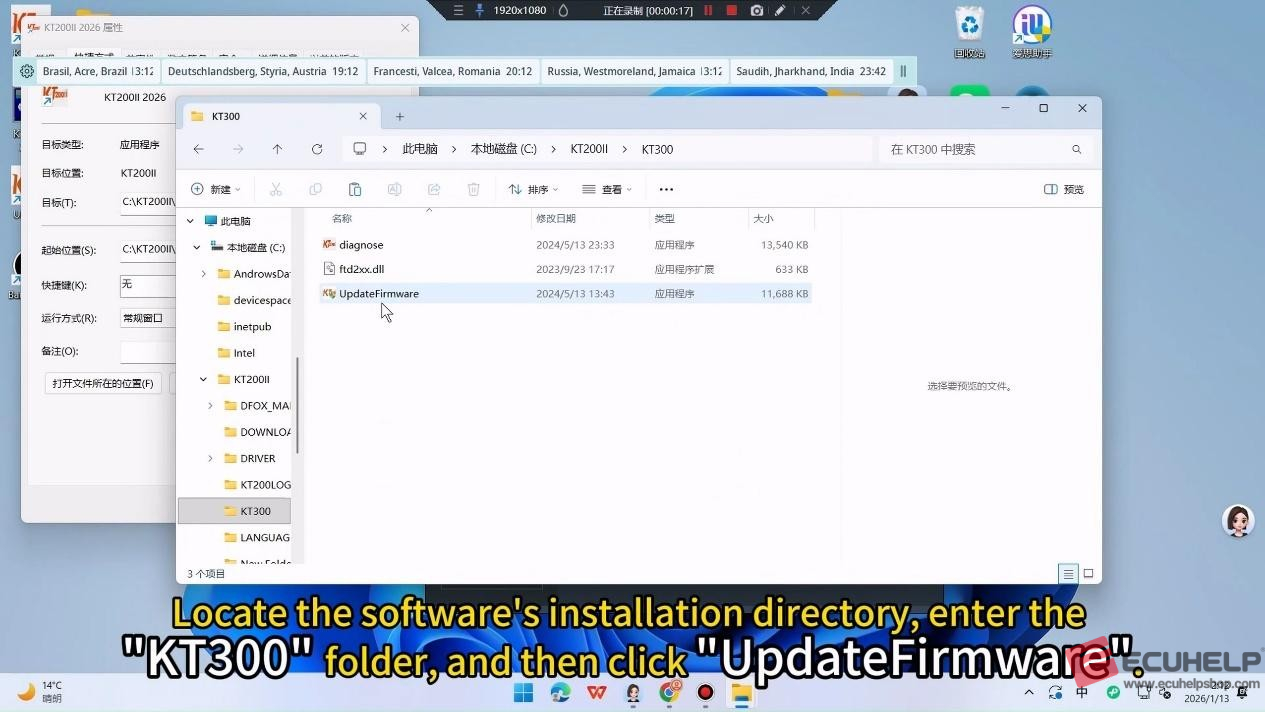
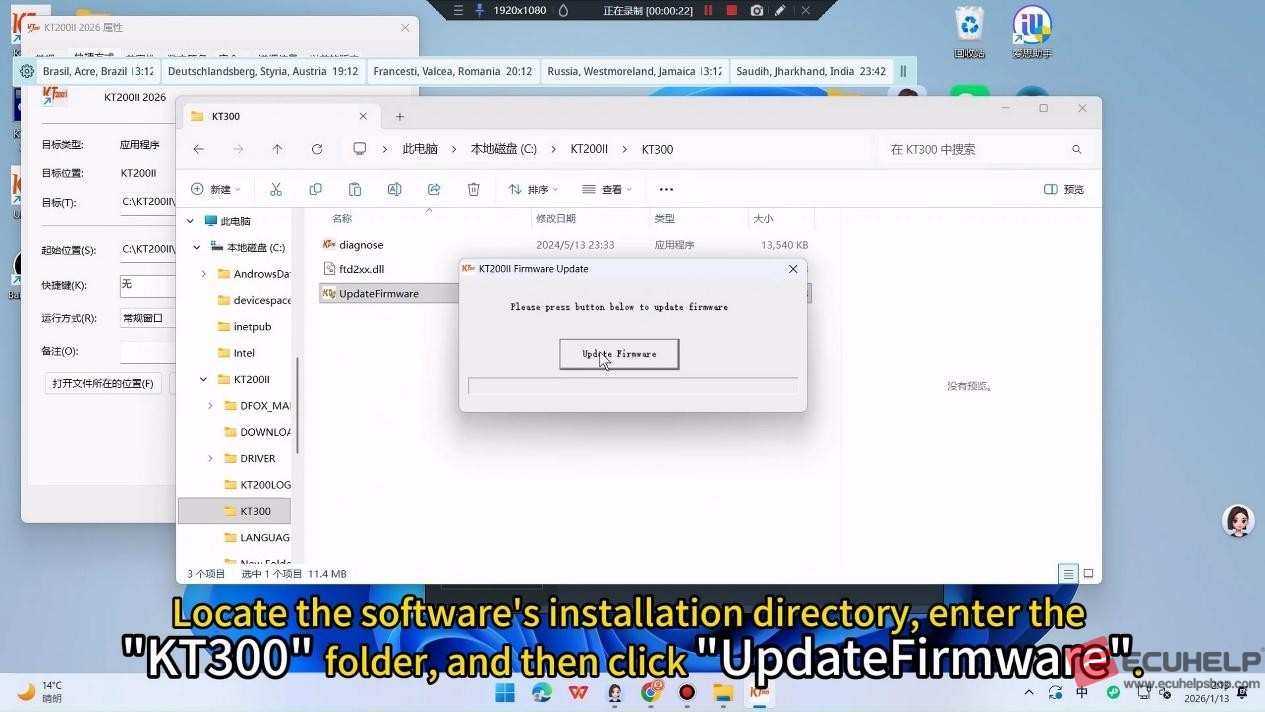
Open the KT200 installation directory, locate the “KT300” folder, and then open
“UpdateFirmware”.

Upgrade Complete
Once the firmware update completely, the KT200II 2026 upgrade is complete and ready for use.