
Question: Hi just buy the KT 200 Plus, I installed but where I can find id, can some help me?
Answer:
After you receive your KT200 Plus, follow these steps to find your device ID:
1.Connect the KT200 Plus to your computer.
2.Install the KT200 Plus software.
3.Open the software.
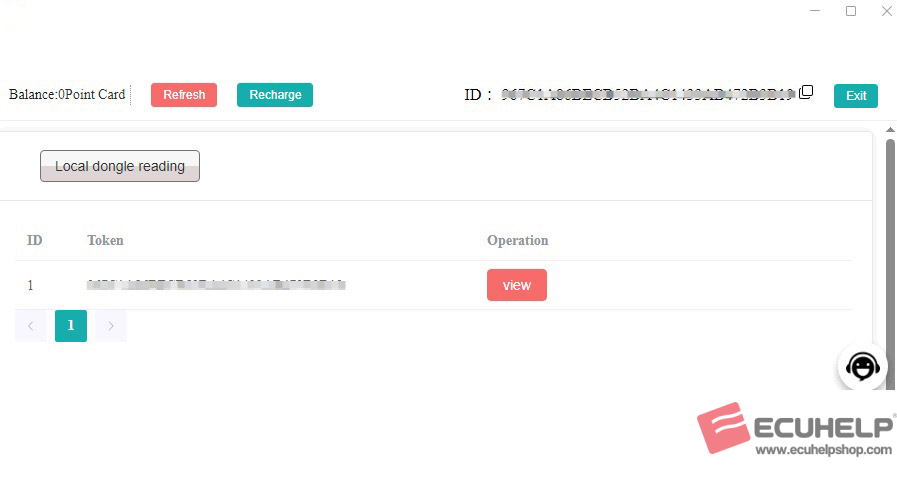
4.In the upper-right corner of the software interface, you will see your Device ID (see the image below).
图1-2
Once you have located the Device ID, send it to ECUHELPshop Oliver for activation.
WhatsApp: +86 182 0599 6549
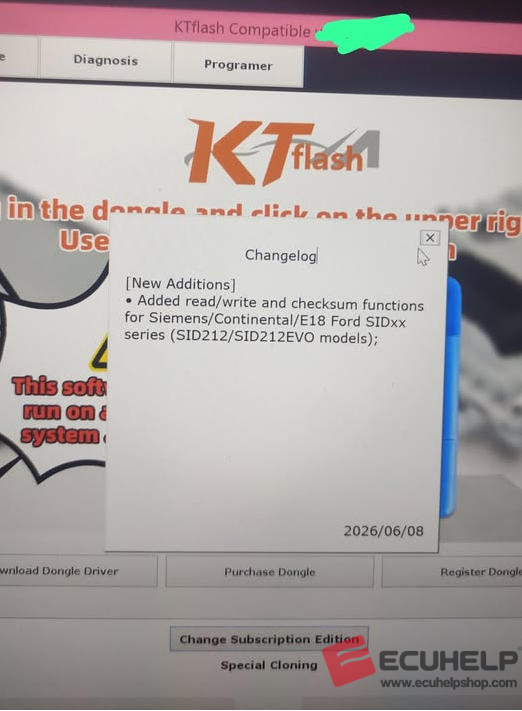
One user shared the following experience:
“When i first purchased my kt200plus i had to use sm2 drivers . Then other people were using the ch40 drivers .
Best thing to do is install kt200 plus and Download dongle driver from within the app.”